Card questions
- View your card balance
-
How do I view the balance on my card? 1. Your E-purse balance or pass value will display when you tap the card at a card reader to pay your fare. 2. Online via your My ORCA login (login, click on the card serial number and select "View Balance") ; 3. At a ticket vending machine; 4. By visiting an ORCA Customer Service Office; 5. By calling the ORCA Call Center (only registered cardholders can recieve balance information via phone).
- Protecting my ORCA privacy
-
How is my privacy protected when I use the ORCA card? A confidential, secure database holds records of every ORCA card, its current value and usage history. By opening an online My ORCA login, you will receive a user name and password that allows you to monitor transactions and ride history for your registered card. Participating agencies have planned for multiple layers of system and data security, including data encryption or encoding, the use of passwords and secret questions for access to customer data and controlled access to data. Registration information is stored in the central database only. Under Washington State law, an agency may disclose this information to a person, employer, educational institution, or other entity that is responsible, in whole or in part, for payment of the cost of acquiring or using a transit pass or other fare payment media, or to the news media when reporting on public transportation or public safety.
- Access pass on my card
-
How do I find the King County Metro Access pass in orcacard.com? 1. Login to orcacard.com; 2. Select the correct card number on the Welcome screen; 3. Select "Add Value" from the left navigation bar; 4. Select "Purchase an Agency-specific pass" and then click the green continue button on Buy New Pass or Product screen; 5. Select the "Metro Monthly Access Pass" and click the green next button on the next screen; 6. Indicate the month you are purchasing and click green confirm button; If the Metro Monthly Access pass is not displayed on the list it can mean: 1. The card you are loading does not have an Access ID associated with it - call ORCA customer service to attach Access ID, or 2. The Access pass for the month has already been purchased or is set-up for Autoload.
- Missing transaction
-
Why do I have a missing line or transaction? If your transaction history shows that the value of the E-purse doesn't match the displayed transactions, it is probably because when a trip fare was deducted, or value was added, there was missing information (the route number or the number of the equipment unit, etc.). If your E-purse value drops more than expected there is usually a missing trip. If the E-purse increases without displaying any value added, the information did not get captured fully. This could be value added online or even an Autoload. A customer service office can read what is on your card and verify the missing transaction. Your card will keep all transactions. Also, these missing transactions won't get added to your history once the date of the transaction has passed.
- My card is not working
-
Who can I contact? Please visit your local ORCA customer service office. If they find that the card is defective, they will replace the card for you at no charge within 12 months of purchase. Any valid pass product loaded on the card will transfer to the new card immediately. However, any E-purse balance will be transferred in 8 - 10 days to allow the system to update any pending transactions. If your card was issued by your employer or other organization, please refer to them for a replacement.
- Card care
-
Your ORCA card will last about five years. You can store your card in your wallet or purse with your other credit cards with no damage. Do NOT punch a hole, cut scratch or bend your card. It will damage the antenna and your ORCA card won't work.
- Card order not received
-
What do I do? If you have not received your card seven business days after submitting your order, call 888-988-6722 / TTY Relay: 711.
- Regional Reduced Fare Permit
-
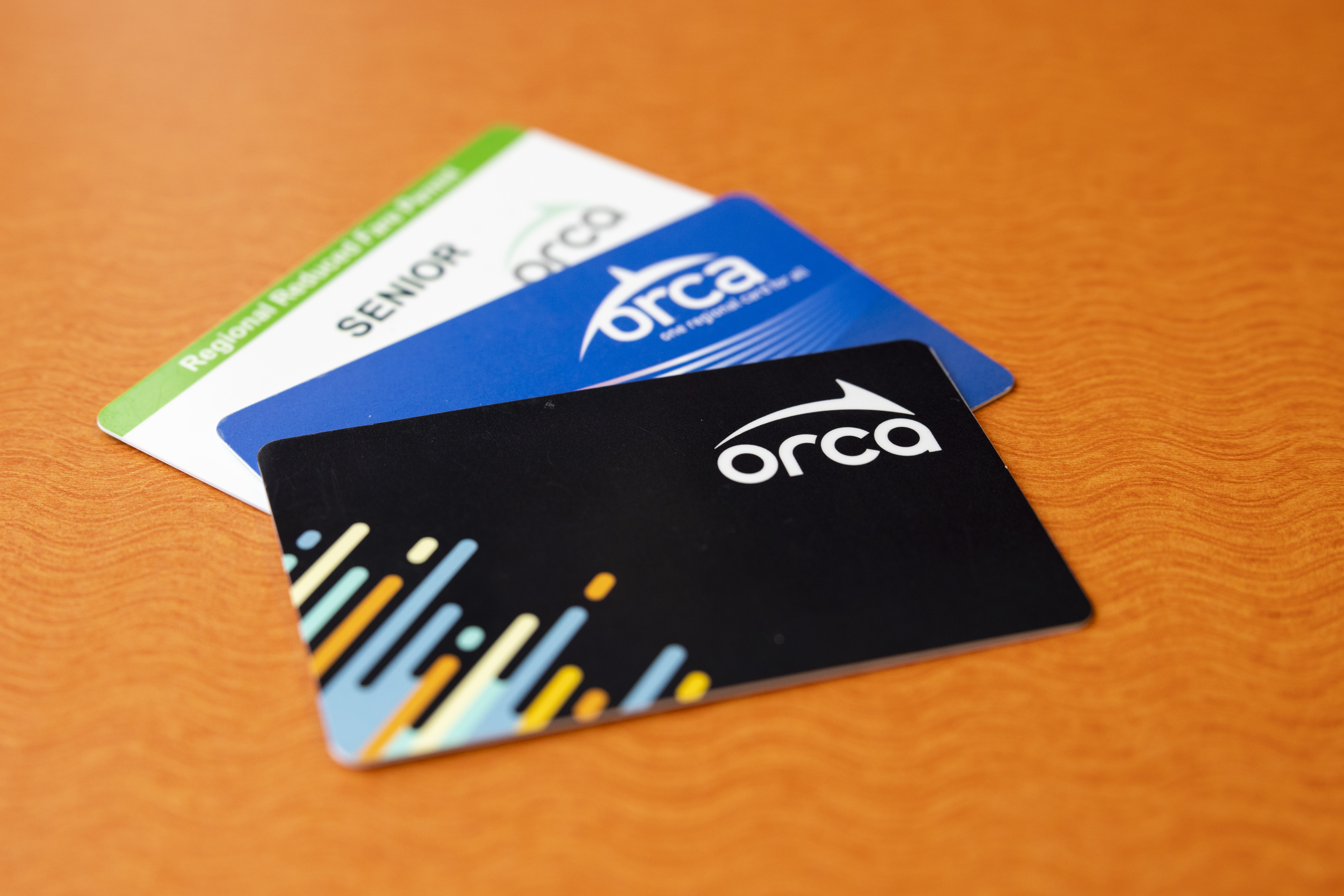
How do I get a RRFP? Senior citizens and persons with disabilities may ride the bus, train or ferry at a reduced rate with a valid Regional Reduced Fare Permit (RRFP) ORCA card. To obtain an RRFP, bring proof of age (65+), proof of disability or a valid Medicare card to your local transit agency's Customer Service Office. RRFP's for seniors can also be ordered through the mail by providing a copy of proof of age (65+). In King County, call Metro's special RRFP hotline 206-205-9185. NOTE: Disabled or Temporary Regional Reduced Fare permits are NOT available at the Westlake Customer Stop in the downtown Seattle Transit Tunnel. Senior Regional Reduced Fare permits are available.
- Getting a youth card
-
How do I get a card for my youth? 1. Visit a Customer Service Office: bring the youth along and provide proof of age only if it is not obvious that the youth is under 19. Or you can just bring proof of age without having the youth present. 2. Order by Mail: print the online ORCA card order form, check the youth option. Include a copy of proof of age for the youth when you mail in the form. To view and print the form go to the Home page select Get a Card then Order by Mail. Note: A youth ORCA card does not need to be registered. Since registering the card ensures the products on the card are protected in case the card is lost, stolen or damaged, it is recommended. A parent or guardian can also be set-up as an associated cardholder if you want to set-up an Autoload on the youth card. WSF Monthly passes may be loaded on adult ORCA cards only. You cannot load a WSF Monthly Pass onto youth or senior cards because a discounted fare is already associated. Youth and seniors who want to purchase a WSF Monthly Pass must have an adult ORCA card or purchase a separate Wave2Go product. ORCA cards for youth cannot be ordered online or over the phone. However, once you have the card, pass products or E-purse can be added in-person, online, by phone, by mail, at retail locations or at ticket vending machines
- Replacing a lost card
-
How do I replace my lost, stolen or damaged card? You can report your registered card as lost, stolen or damaged and request a replacement card: 1. Via your My ORCA login - login with your username and password - select the card number - select "Report a Lost or Stolen Card" 2. At an ORCA customer service office - by calling 888-988-6722 / TTY Relay: 711 Your old card will be blocked and no longer valid for fare payment. Any valid pass products loaded on the card will be on the replacement card when your receive it. However, any E-purse balance will be automatically transferred in 8 to 10 days to allow the system to update any pending transactions. The E-purse amount that remains on the lost, stolen or damaged Card forty-eight (48) hours after the block is initiated in the ORCA system will be restored to the replacement Card via a remote revalue function. The Agencies are not responsible for any use of the E-purse product prior to the Card block taking effect. There is a $5 fee to replace an adult or youth card and a $3 fee to replace a Regional Reduced Fare Permit ORCA card. If your card is issued by your employer or other organization, please refer to them for their policies on lost, stolen or damaged cards. A WSF monthly pass may only be loaded on an adult ORCA card. You cannot load a WSF monthly pass on a youth ORCA or senior RRFP ORCA card because the youth or senior card is already associated with a discounted fare. Youth and seniors who want to purchase a WSF monthly pass must purchase a separate Wave2Go product or purchase an adult ORCA card.
- Replacing a youth card
-
To report a Youth card lost, stolen or damaged, login to your MY ORCA account. From My Cards, choose the Youth card serial number then click on Report Lost/Stolen. Follow the prompts and pay the replacement fee. Any valid pass or E-purse will be replaced on the new Youth card. If you are unable to replace the Youth card online you will be prompted to visit a Customer Service Office or print and mail age verification to replace the card.